Cutscenes
Cinematic moments built directly into the server.
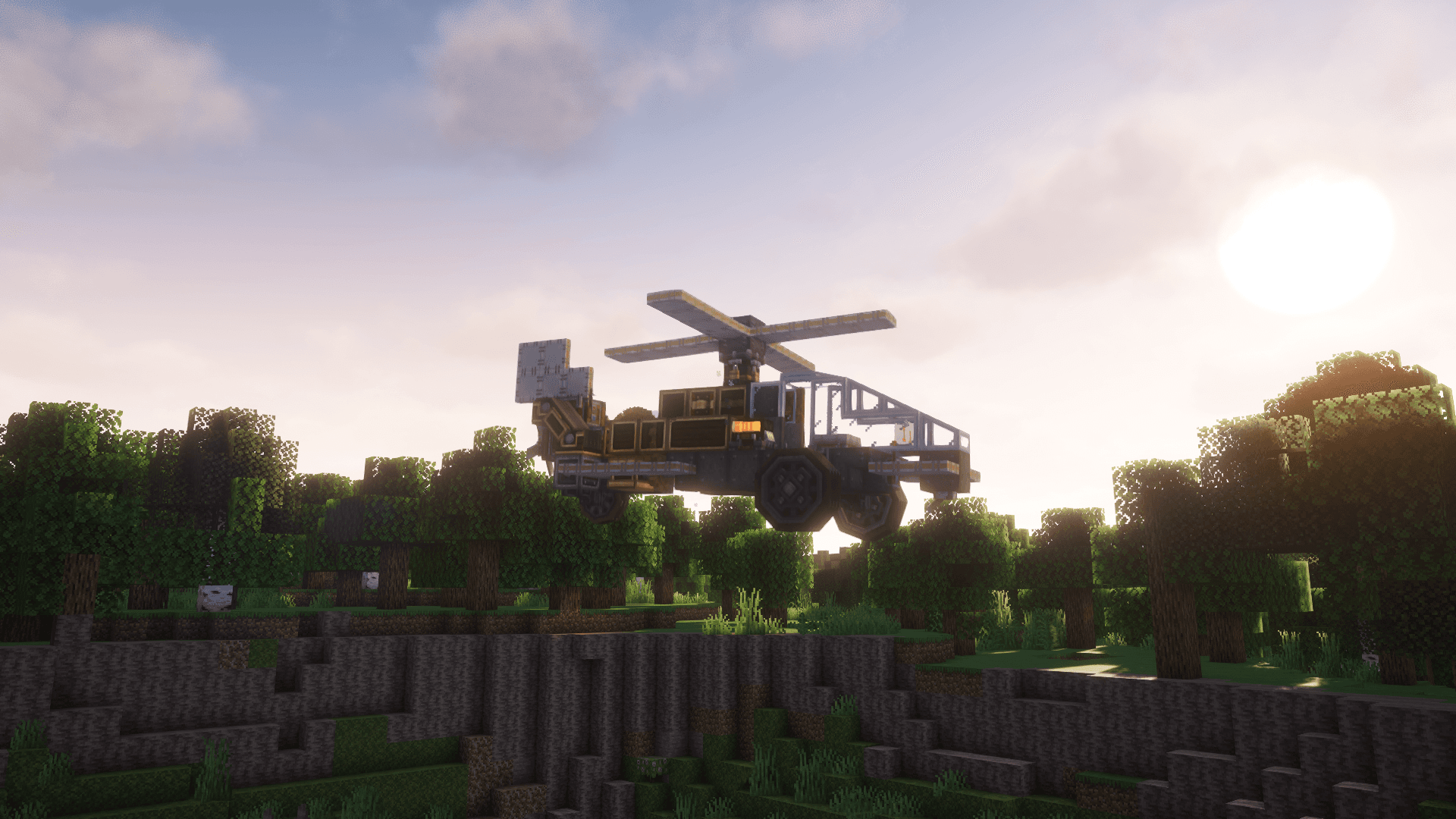
Minecraft, but alive.
A live-service Minecraft experience with continuous updates, cutscenes, mods, and server-wide moments.
Server is live now.
Required for the full client.
Mods are installed automatically.
No paid access. No pay-to-win.
Core Experience
Explore a live server built around cinematic worldbuilding, curated mods, custom systems, and continuous updates. Play casually, build with others, follow the story, or take part in server-wide moments as the world changes.
Cinematic moments built directly into the server.
Curated modded gameplay without manual setup.
New content, fixes, world changes, and systems over time.
Build, explore, progress, roleplay, or just hang out.
World Moments
Submine uses cutscenes, scripted sequences, discoveries, and live world changes to make the server feel active instead of static.
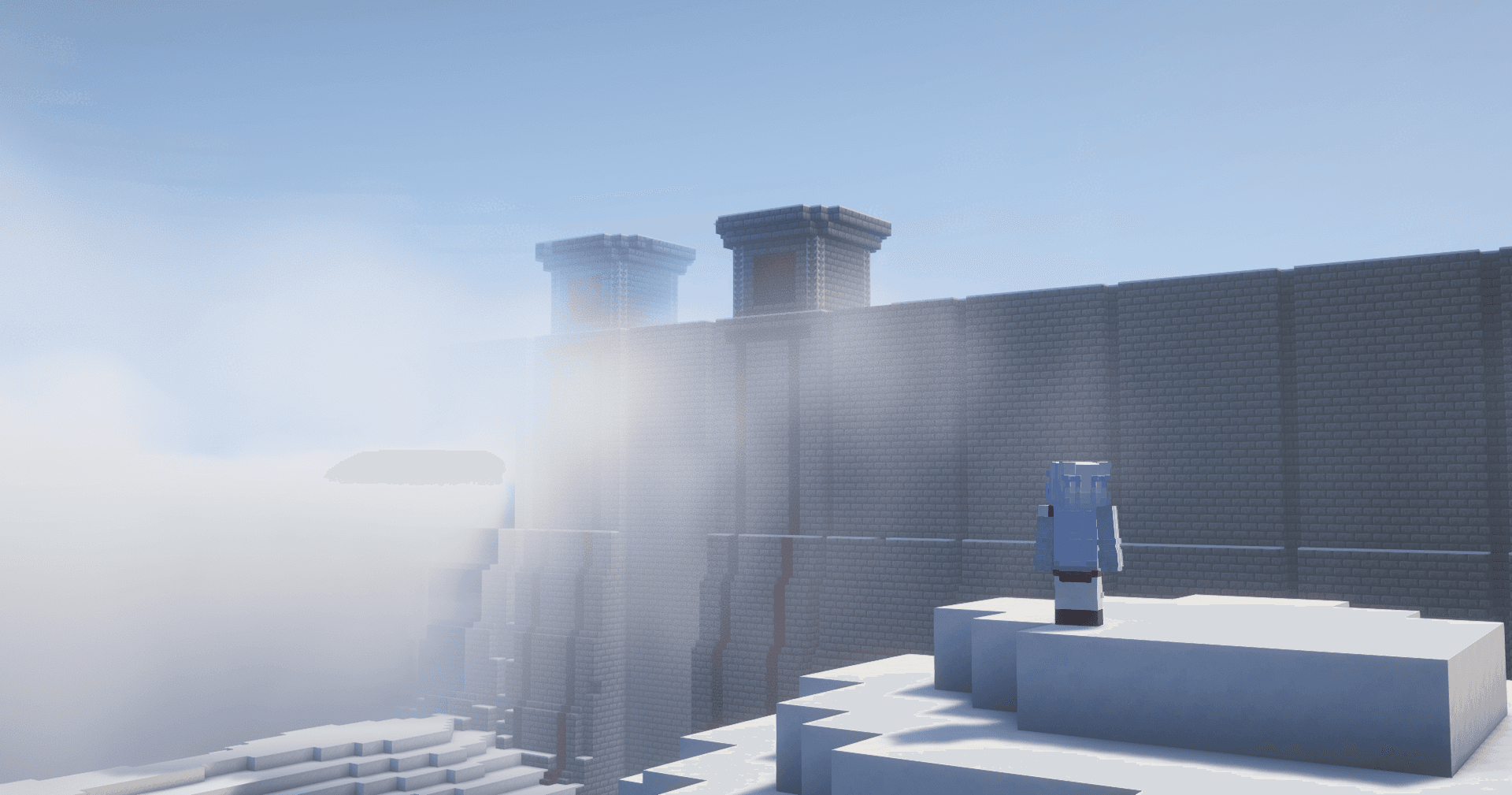
Cutscenes
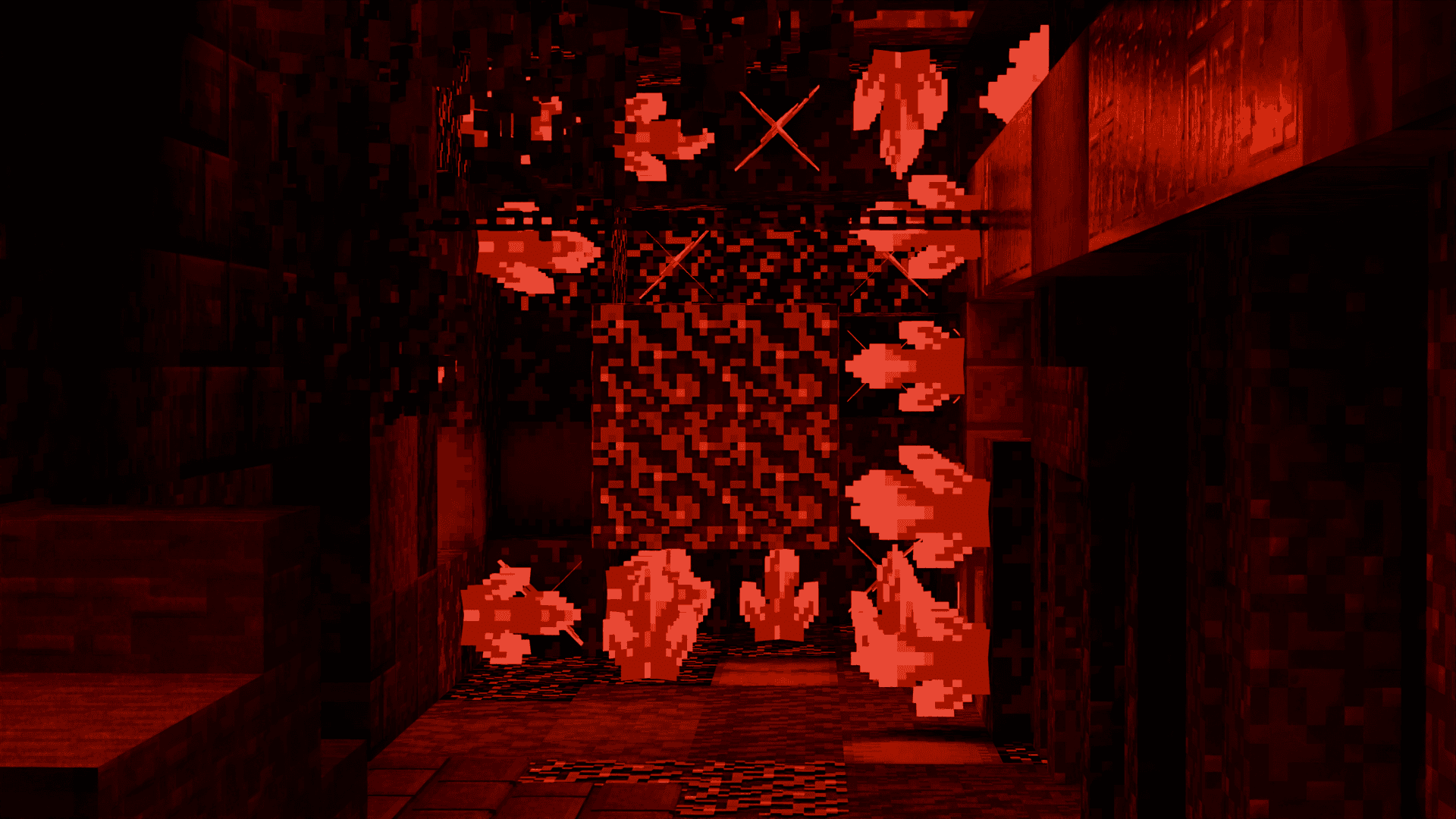
Discoveries
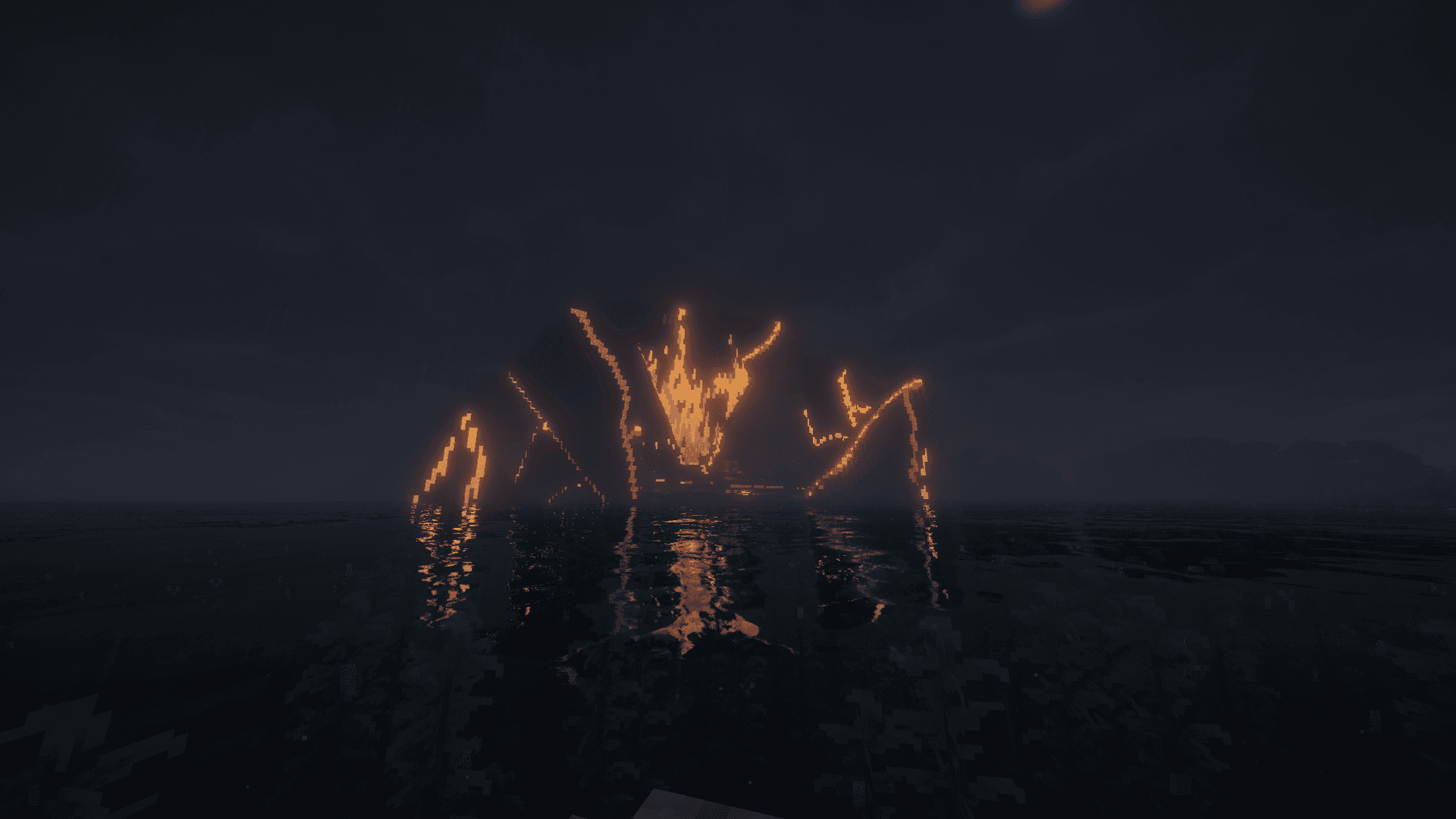
Server-wide changes
Mods & Systems
Submine runs through a curated modded client, giving the server vehicles, machines, custom systems, and a bigger gameplay loop than a normal Minecraft world.
Featured System
Build and use machines, transport, and moving systems.
Automation, mechanisms, factories, and engineering gameplay.
Everything is delivered through the launcher.
Explore, build, unlock, and push deeper into the world.
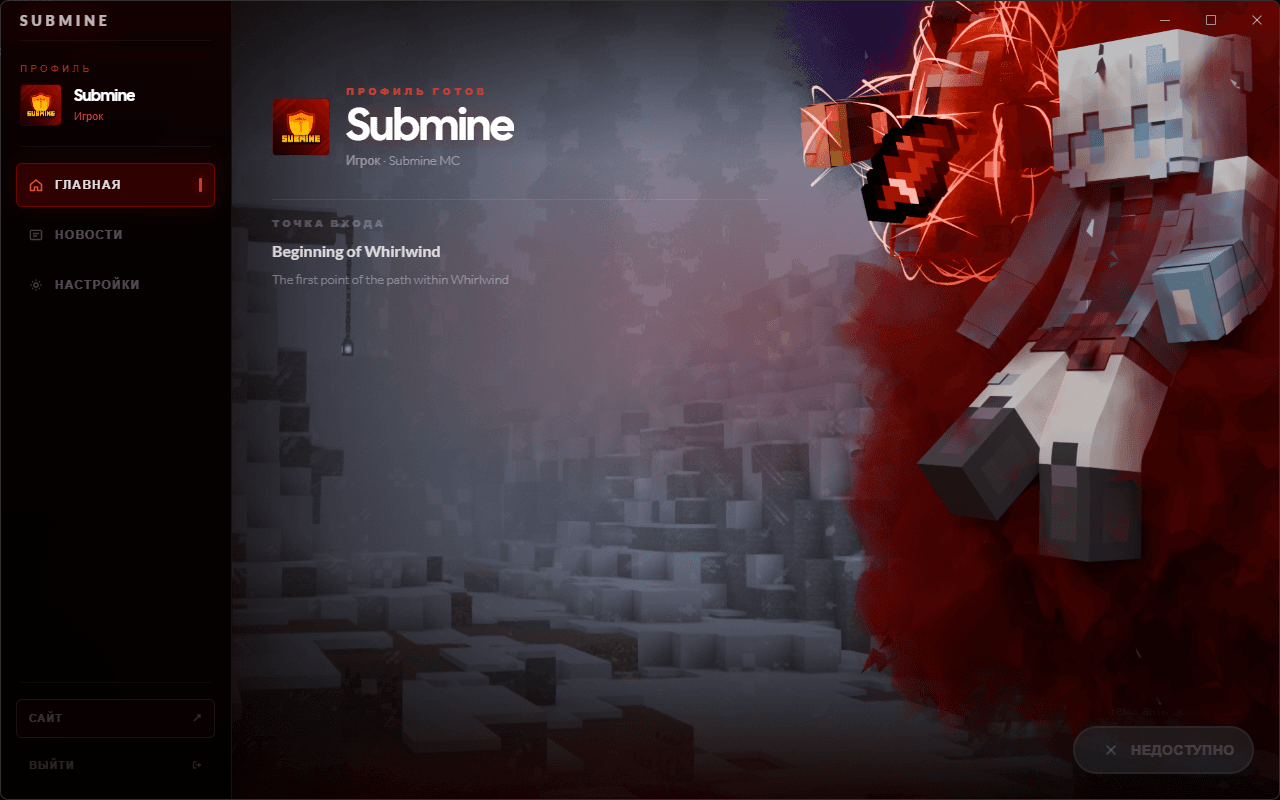
Launcher
The Submine Launcher downloads the client, keeps mods and resources updated, and gets you into the live server without manual setup.
Gallery
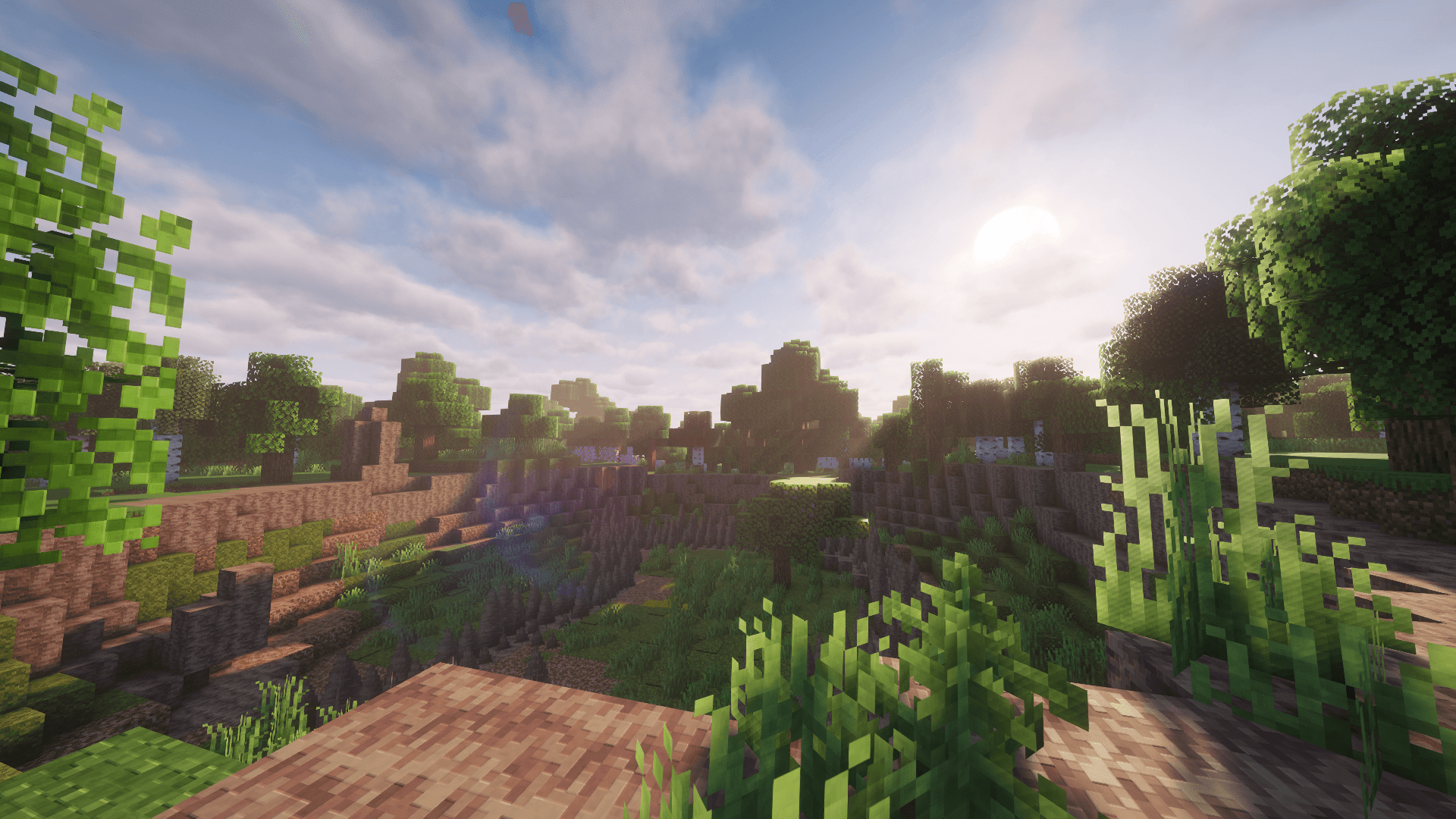
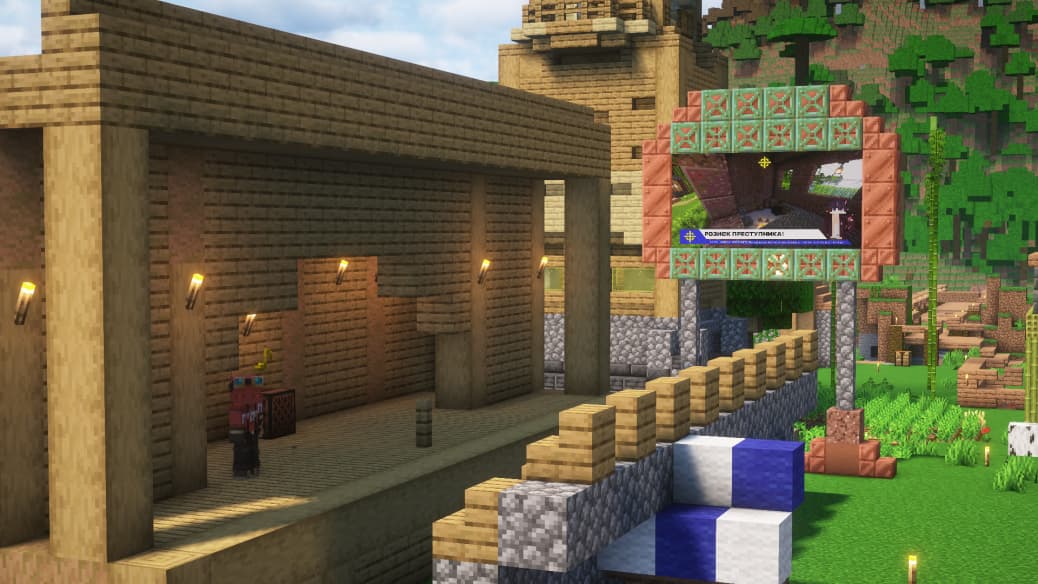
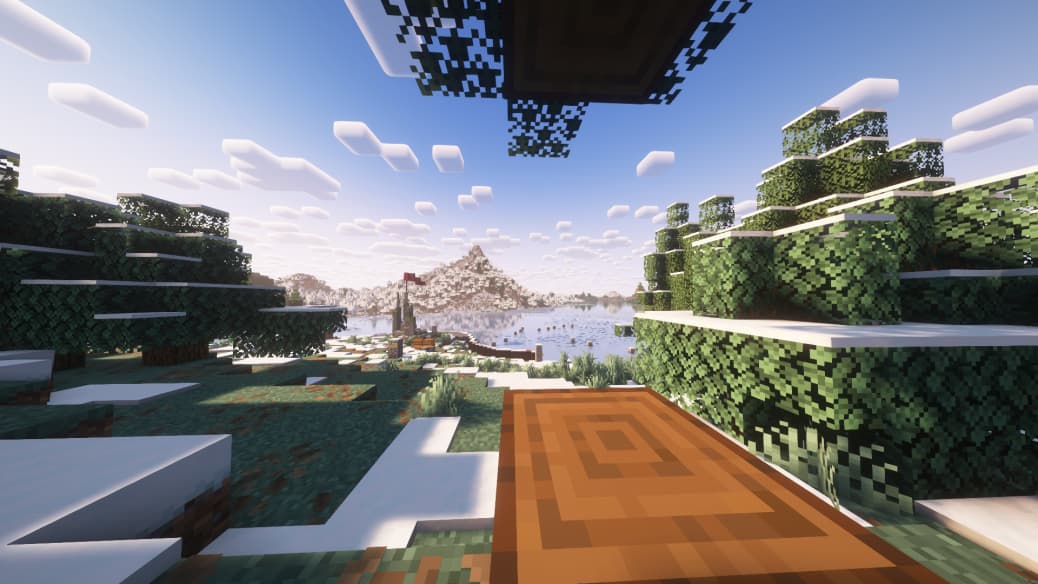
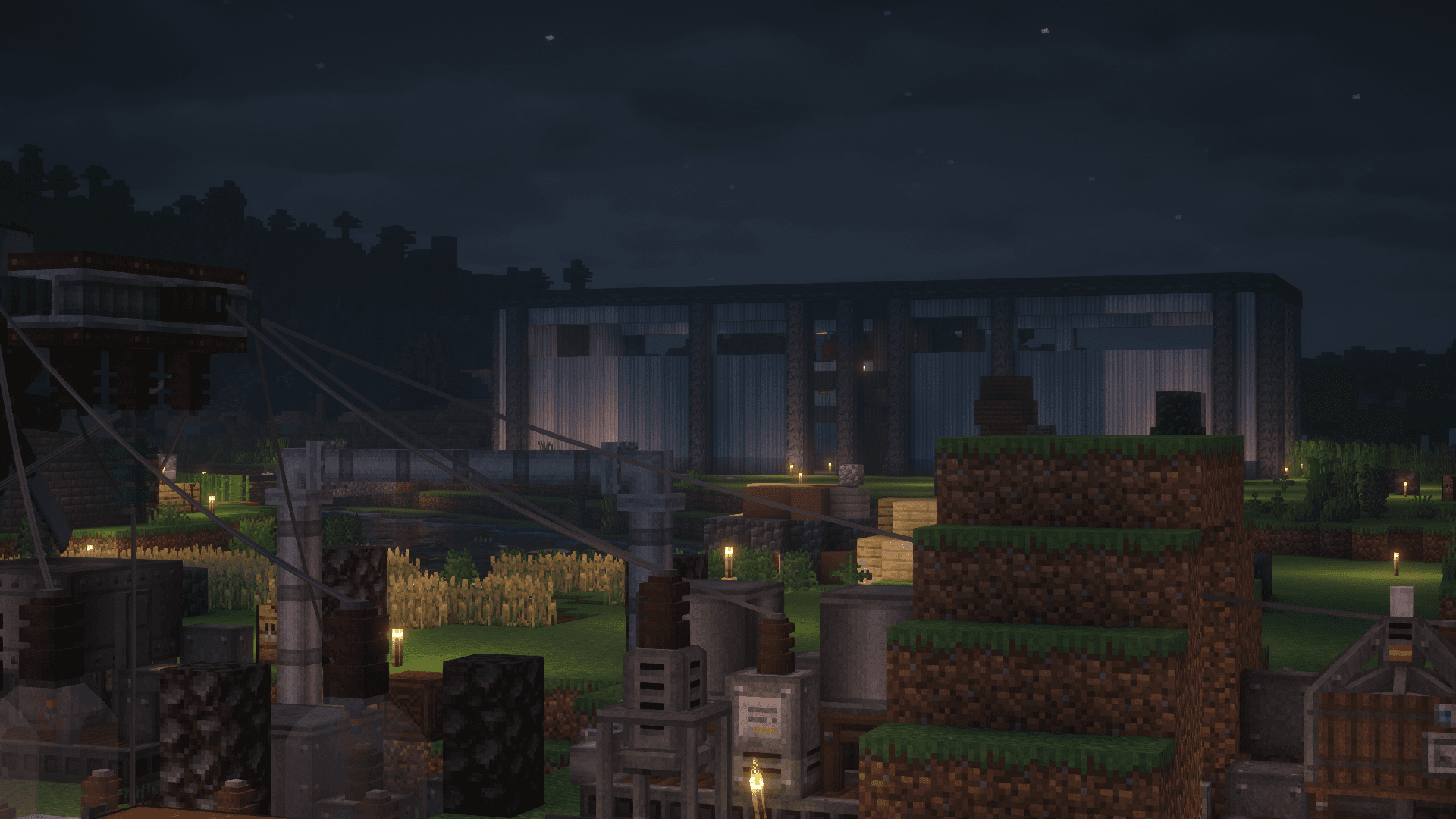
A look at the current world, player builds, machines, cutscenes, and server atmosphere.

How To Join
Download the launcher, join the community, and enter the live server.
Install the Submine client.
Get updates, support, and community info.
Open the launcher and enter the live server.
The server is live. Download the launcher and start playing.